Pick Seats! (5 min.) *Monday & Friday classes only
Class Expectations (5 min.)
Sign In Directions (5 min.)
Student Sign In Time (5-10 min.)
Free Time!
Pick Seats! Write your name on a folder, choose your computer and write the computer number in the top corner. Stay sitting patiently until everyone has found a spot -DO NOT LOGIN!
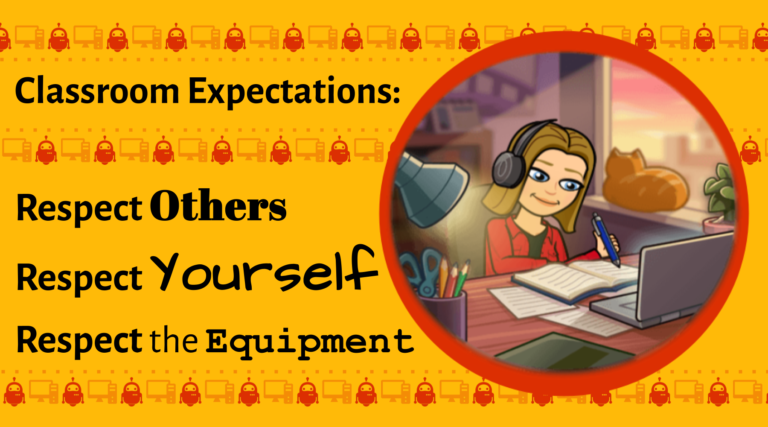
🛑Class Expectations
Important Tips to Remember:
Don’t interrupt others -including the teacher- it’s rude!
Show you’re listening during group time and directions by using whole-body listening
Be safe with the chairs and technology
Use indoor voices during work times and activities
NEVER visit sites you were not given permission to go to by Miss B -sometimes your classroom teacher may allow a site that Miss B does not allow!
Clean up your computer spot before you leave:
log off
push in your chair
unplug headphones and straighten out the screen
💻Sign In!
Login to computers
Sign in to Chrome *use your EMAIL ADDRESS!
Set Chrome as the Default browser
Join UA Google Classroom *Choose the “Skip to Website” if it asks
Optional:
Pin Chrome to Taskbar
Bookmark sites (techwithmissb.com, Google Classroom, etc.)